Reliable, scalable and secure self-hosted infrastructure
1. Problem statement
Public cloud services are convenient, but they create dependency on third-party infrastructure and provide limited visibility
over how personal data is stored and managed.
The objective of this project was to design a personal infrastructure capable of delivering:
remote file storage and synchronization,
a high-quality media server,
hosting for a personal website.
A deliberate constraint was added: build the system mostly from recovered hardware while maintaining reliable 24/7 operation.
2. Approach and design
Instead of assembling a turnkey setup, the project was treated as a progressive technical exploration.
The goal was to build a versatile home server able to centralize multiple services on one machine.
Three main goals guided the design:
Personal cloud
Deploy a storage system accessible from multiple devices as a private alternative to standard cloud providers.
Media server
Centralize a video library and stream it efficiently across local and remote devices.
Web hosting
Learn web deployment by hosting my personal website directly on this infrastructure.
With little prior experience in system administration and web technologies, the project was completed through hands-on learning.
3. Service deployment
The infrastructure is built on a continuously running self-hosted NAS.
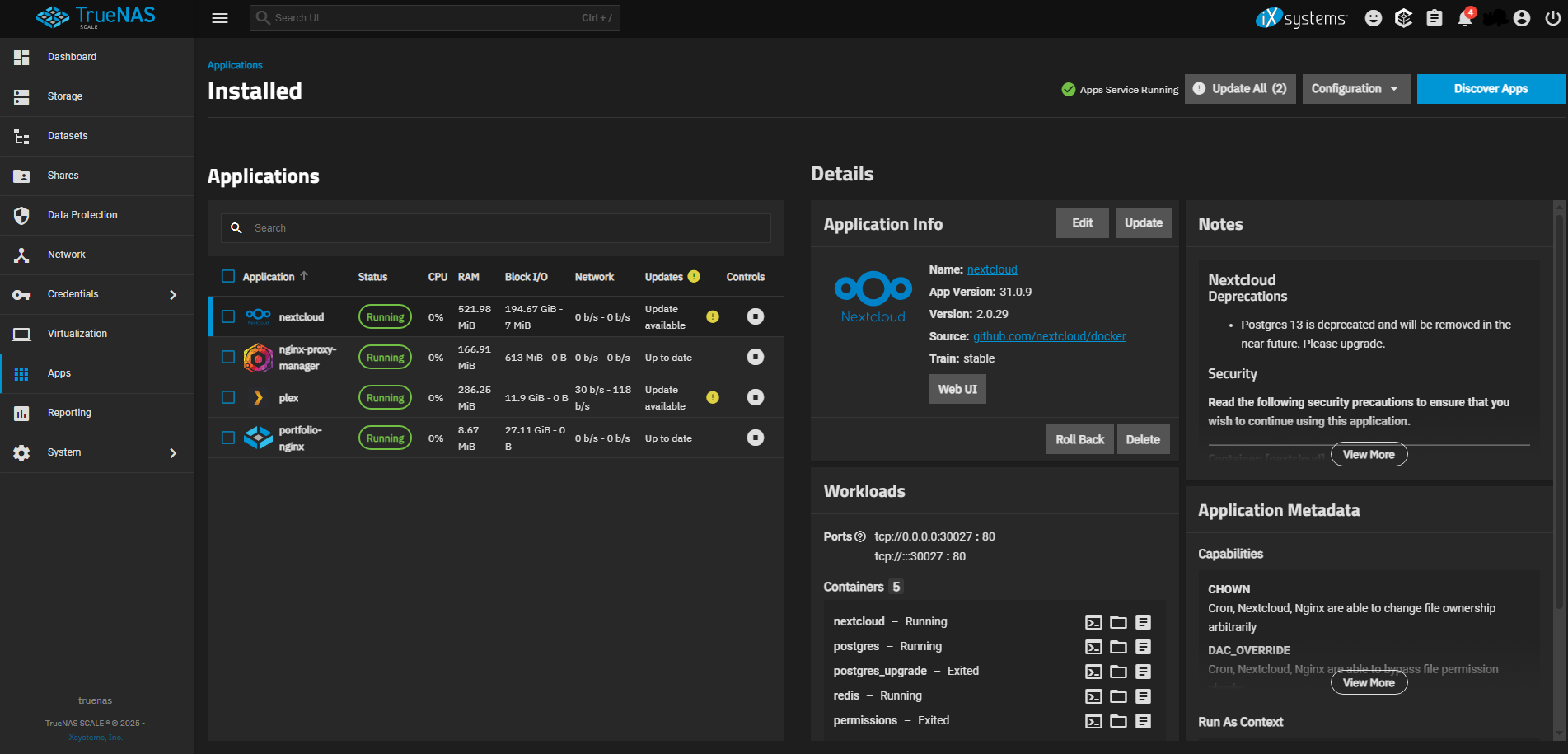
Global view of installed applications and services in TrueNAS.
Personal cloud - Nextcloud
The NAS hosts a Nextcloud instance for multi-device file synchronization and secure document sharing.
Media server - Plex
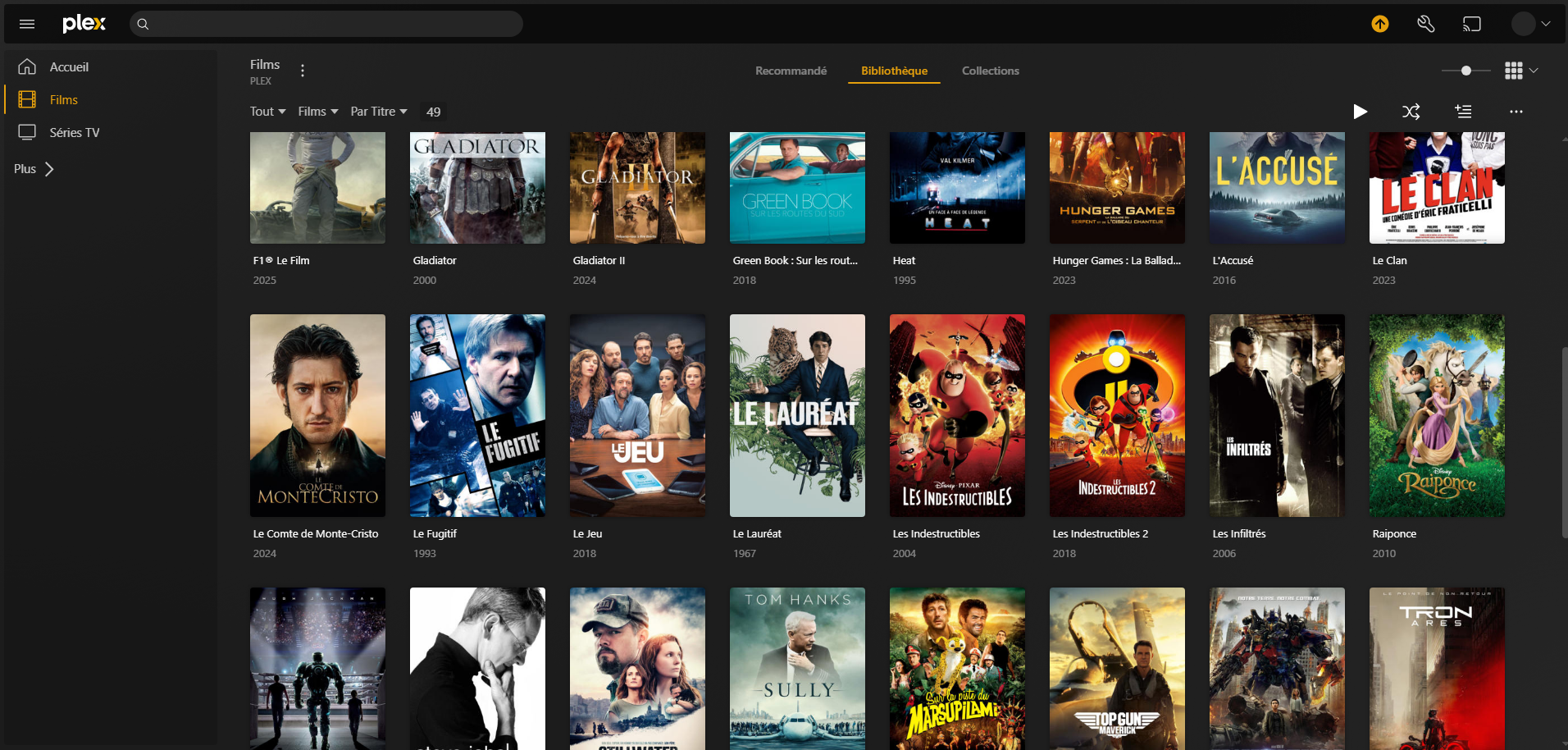
A centralized media library streams content locally and remotely with metadata management.
Web hosting
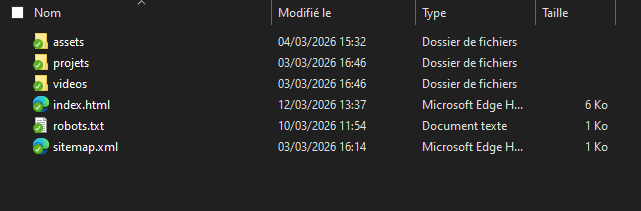
The same server hosts my portfolio website, used to learn web development and public deployment.
Service deployment required home network configuration, secure remote access, DNS configuration,
and external traffic protection.
4. Result
The final setup is a complete personal infrastructure running continuously and handling several services at the same time.
Today the NAS acts as:
a personal cloud for storage and synchronization,
a media server accessible from multiple devices,
a hosting platform for my website.
Beyond the technical outcome, this project represents autonomous learning and practical understanding
of self-hosting, server administration, and network service architecture.
1. Overall architecture
The infrastructure is centered on a self-hosted NAS used as a single platform for storage, media streaming and web hosting.
Architecture layers include:
storage and data management,
application service deployment,
network and remote access management,
security and internet exposure control.
This layering isolates responsibilities and simplifies maintenance and future upgrades.
2. Operating system and storage management
The NAS runs on TrueNAS, selected for robust network storage management and ZFS data integrity features.
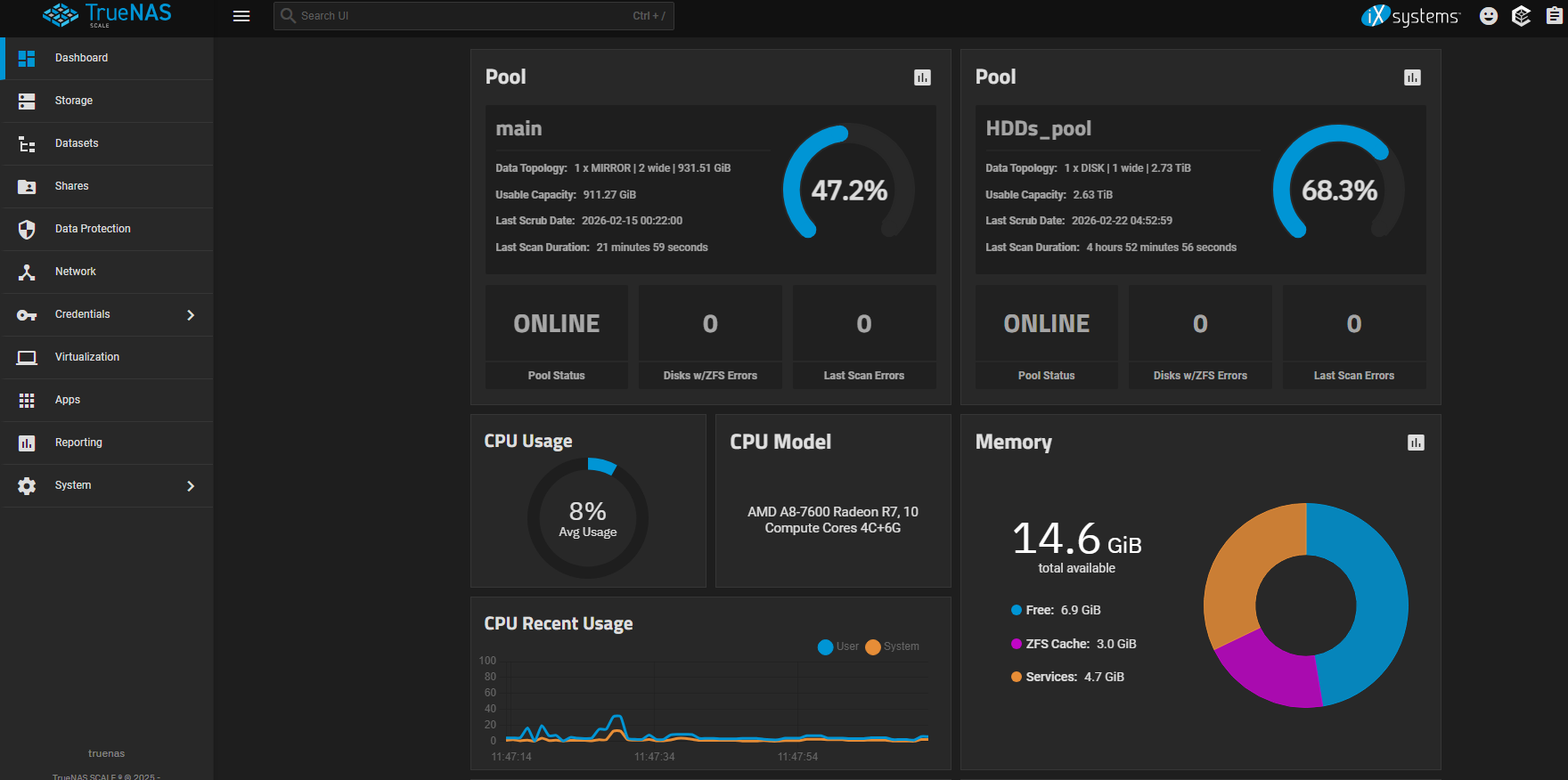
TrueNAS SCALE interface used for server administration.
Main features used:
storage pool management,
dataset-based organization,
fine-grained permissions,
snapshot support for backup workflows.
Dataset separation isolates services, prevents permission conflicts and eases maintenance.
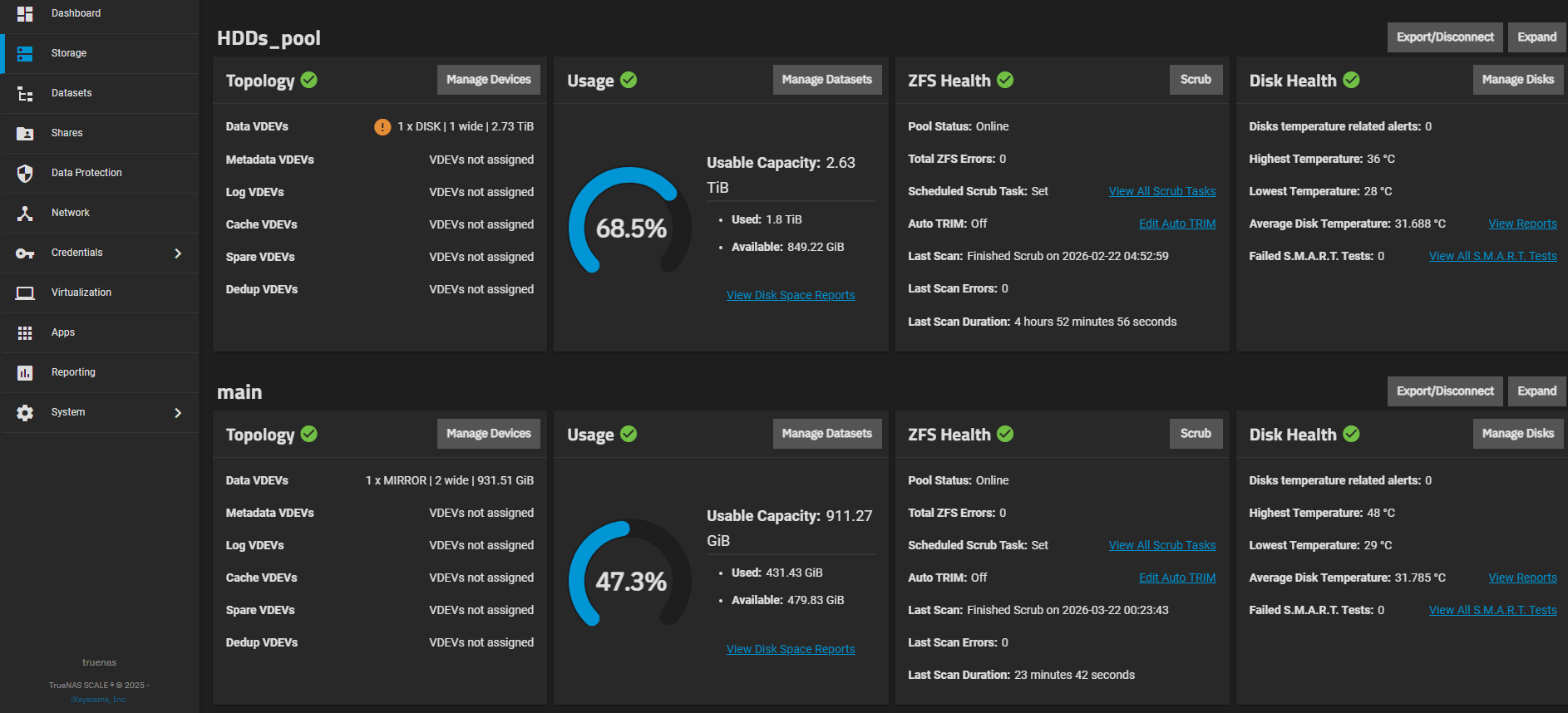
Disk management and storage layout.
3. Service deployment details
Personal cloud - Nextcloud
Nextcloud provides remote storage access with synchronized folders across multiple devices.
Service data is stored in a dedicated dataset.
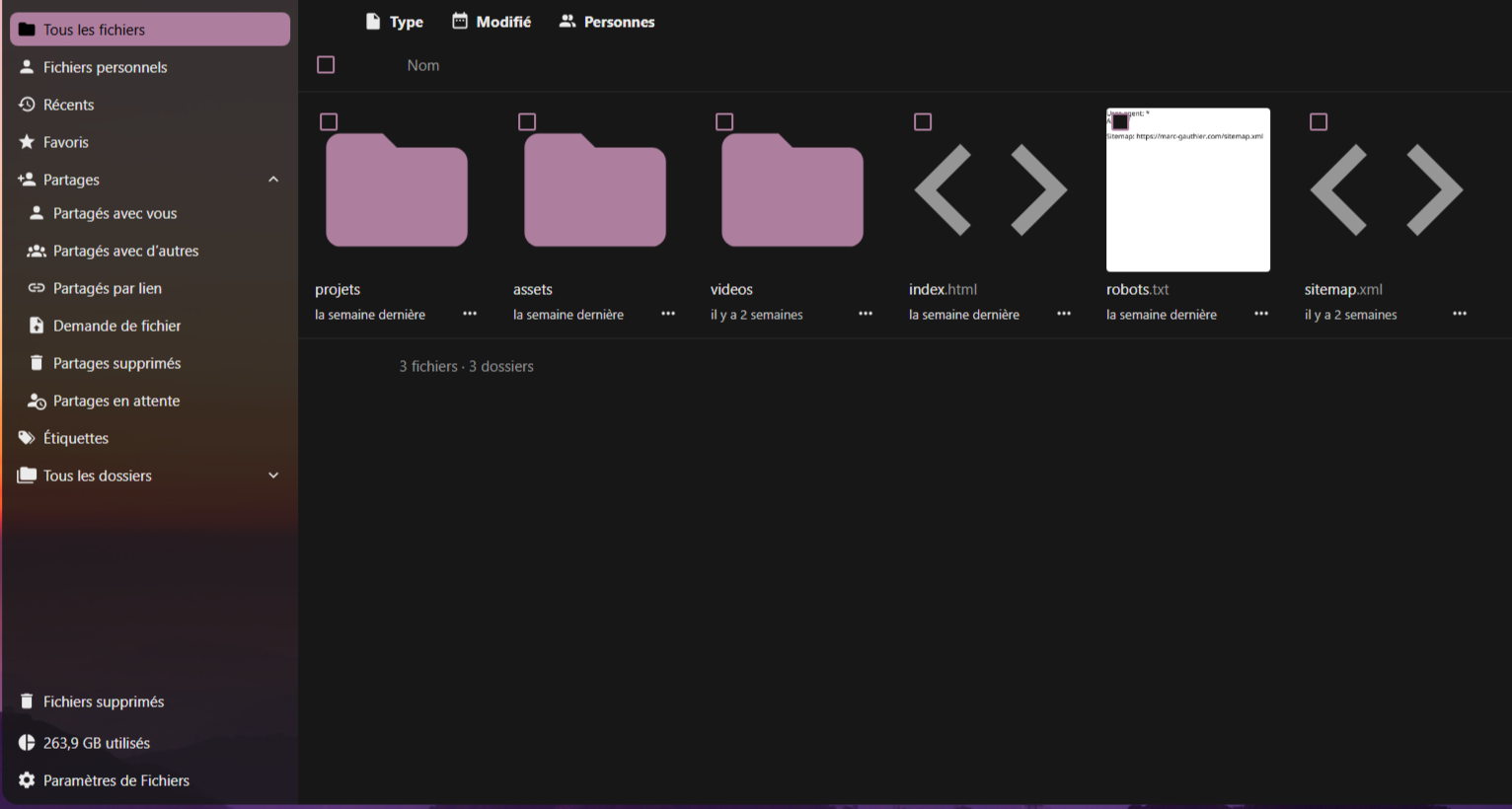
Nextcloud interface for personal cloud access.
automatic file synchronization,
secure document sharing,
remote access to personal data.
File synchronization between devices.
Media server - Plex
The NAS also hosts Plex for centralized media indexing and streaming.
Plex server for local and remote media streaming.
local network streaming,
remote media access,
automatic metadata and library organization.
Web hosting
The server also hosts my website through domain routing, DNS management, reverse proxy and HTTPS.
4. Network architecture
Traffic path:
Internet -> DNS -> Cloudflare proxy -> home router -> NAT port forwarding -> NAS -> application service
Using an external proxy hides the server public IP and adds useful features:
cache management,
protection against common attack patterns,
simplified HTTPS handling.
The home network also uses a static local IP for the NAS to keep port forwarding stable.
5. Data management
Storage organization is central to the project.
Data is split into dedicated datasets by usage:
user data,
media libraries,
service data,
website files.
This structure enables independent permissions and simplifies backups and future migrations.
6. Service hardening
Security measures implemented:
HTTPS usage for exposed services,
automatic HTTP to HTTPS redirection,
DNS management through external proxy,
limited number of exposed ports.
These controls reduce risks related to exposing a personal server on the internet.
7. Maintenance and evolution
The infrastructure was built progressively, with services added step by step.
This approach helped validate configurations, identify bottlenecks and improve system architecture over time.
The NAS now provides a stable base for adding new services or scaling storage capacity.